Adult Learning & Tech Services
In-home in Manhattan

Computer, Phone, Tablet & TV Basics
Free Consultation
Telehealth & Online Health Solutions.
Free Consultation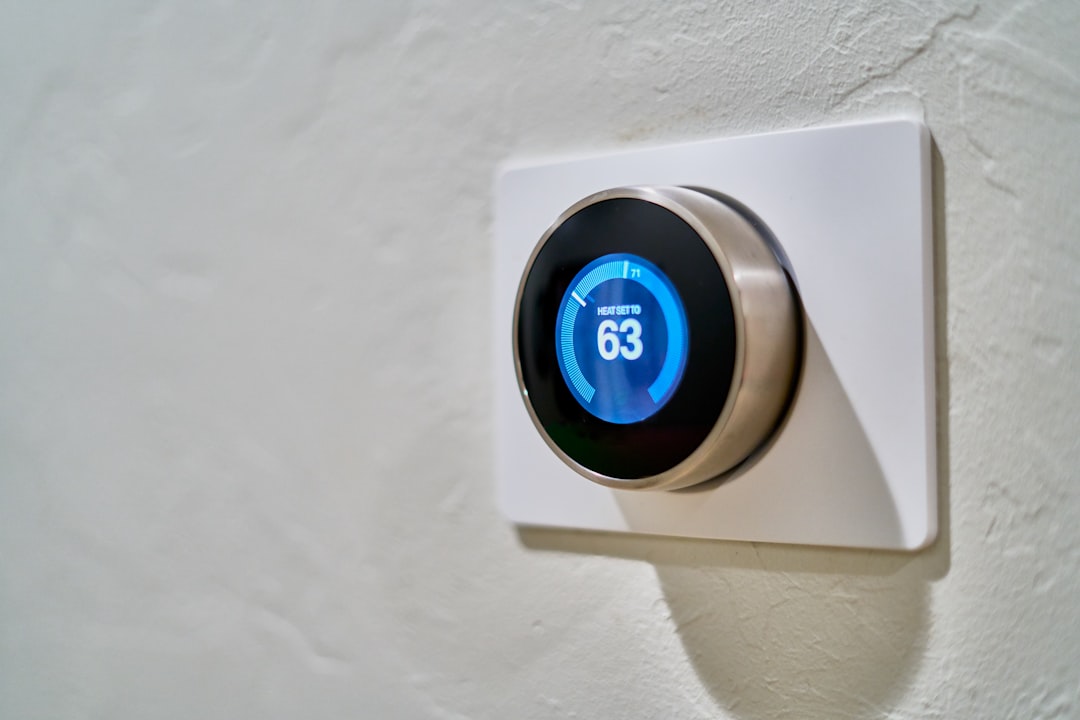
Home automation & Smart Appliances
Free Consultation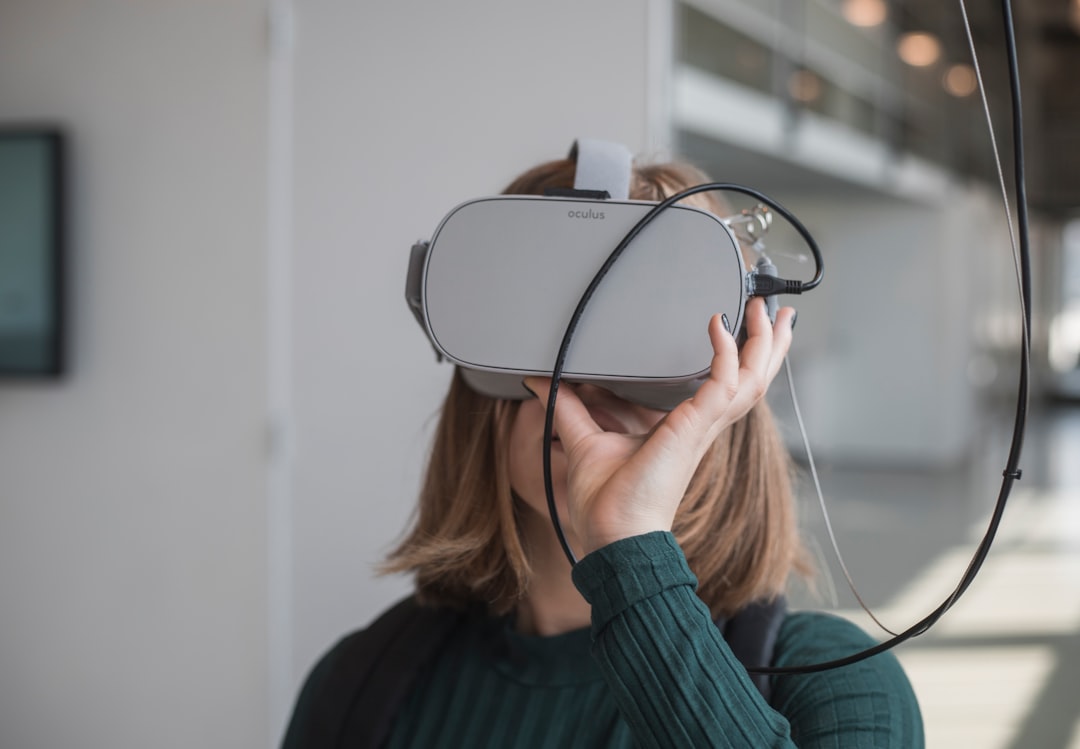
AI for Information and Support
Free Consultation
Digital Payments & Online Money Management
Free Consultation
Online Communications & Video Calling
Free Consultation
Online Safety & Privacy
Free Consultation
Comprehensive Assistance for a Better Quality of Life Leveraging Technology
Free ConsultationLearn more about all services
Click to expand
Let me start by saying congratulations! Taking this first step shows you’re an adventurous person who wants to learn. I’m here to support you every step of the way, without judgement. Some offers are:
- Basics of computer, iPhone, iPad, and Apple Watch navigation, including senior-friendly digital device setup.
- Texting, taking photos, emailing attachments, and copy-n-paste techniques.
- TV streaming services and how to access them.
- Telehealth solutions such as MyChart, medication management, and health trackers.
- Digital scrapbooking techniques.
- Using Google Maps for navigation.
- Cash apps like Venmo, Zelle, and others for easy money transactions.
- Health monitors and how to use them effectively.
- Entertainment options including podcasts and other online media.
- Internet browsing skills for accessing information and services.
- Installing apps like WhatsApp and more.
- Smart technology usage, including devices like Alexa and ChatGPT.
- Accessibility features for disabilities, including utilizing Siri and other tools.
- Social media platforms like Facebook and learning about online safety.
- Video calling applications such as Zoom and FaceTime.
- Organizing and creating folders for files and photos on digital devices.
- TV and streaming services like Netflix and others.
- Online shopping, banking, and using services like Uber.
- Creating and designing your own curriculum for ongoing learning and personal interests.
Lessons are based on your skill level, learning style, and your specific goals.
Ongoing Support with someone you trust:
My service provides a direct line of contact with myself, every time!
Comprehensive Assistance for a Better Quality of Life Leveraging Technology
- Digital Shopping for Home Delivery: Assist with online grocery shopping to ensure proper nutrition.
- Healthcare Coordination: Manage telehealth and prescriptions.
- Light Housekeeping: Implement smart home devices and digital organization tools.
- Companionship Apps: Facilitate virtual social interactions and teach communication app usage.
- Document Management: open and sort mail, scanning, email correspondence with support network.
Home automation tools
- Lighting Control: Manage lighting with smartphones or voice commands, set schedules, change colors, and adjust brightness remotely.
- Smart Thermostats: Adjust temperature based on user schedules and preferences, offering comfort and energy savings. Control remotely via smartphone and room sensors.
Smart Appliances
- Robot Vacuum Cleaners: Schedule automatic cleaning to reduce physical strain.
- Smart Refrigerators: Use touch screens and apps to manage groceries, recipes, and expiration dates.
AI for Information and Support
- Virtual Assistants
- AI Health Apps
- AI Companions
AI for Information and Support
- VR for Fitness and
- AR for Visual Assistance
- Social VR Platforms
I'm dedicated to identifying, diagnosing, and resolving any issues or problems affecting functionality, performance, or behavior.
- printer/scanner troubleshooting
- email and Wi-Fi support
- new computer setup and data transfer
- computer performance
- TV and streaming services
- backing up, cloud storage
- general problem-solving for desktops, computers, iPhones, iPads, smart devices, TV, tablets
Benefit To You
- Save time by avoiding tech troubleshooting and constant help requests to friends or family
- Clear guidance when making tech decisions
- I assess your needs, research options, compare products, pricing, and reviews
- Delegate tech tasks so you can focus on what matters
- Reliable, on-hand tech-savvy administrative support
Being in my 50s, I deeply understand the challenges people face with technology. My passion for helping others began when I discovered the intrinsic rewards of assisting an elderly woman in my apartment building in the Village, NYC.
As a native New Yorker, I left a 20 plus year corporate career during COVID to pursue my passion for technology and helping people. My mission is to make technology stress-free, prioritize personalized solutions with a human touch, and create a positive impact through my services.
Most all payment methods are accepted at the time of service. Tech by Bonnie has partnered with The LeClair Foundation For Technology to provide financial assistance to those in need of services with limited income.
Unlock the Digital World for Your Loved Ones.
I understand the powerful impact technology can have on the lives of seniors.
- Delay Cognitive Decline
- Stay Informed and Engaged: Stay updated on current events, and discover new interests without leaving your home.
- Entertainment and Shopping: Enjoy convenient online shopping and entertainment without leaving your living room.
- Virtual Medical Appointments: Seamlessly schedule and attend virtual medical appointments, known as Telehealth.
- In-Home Comfort: I bring the learning experience to your doorstep.
Strengthening Family Bonds
I believe that embracing technology can enhance relationships within the family:
- Ease of Communication: Seniors can communicate without hesitation, knowing they won't burden anyone with their computer-related questions.
- Enhanced Relationships: Strengthen your family bonds by facilitating smoother communication with family and friends.
Practical & Affordable Options
- Customized Lessons: Lessons are tailored to individual needs and pace, ensuring a practical and effective learning experience.
- Follow-Up Support: Ongoing support is guaranteed, even after the lessons are complete.
Get Started Today!
Learn and utilize more technology in a fun, positive and engaging environment!